

Using The Hub
Accessing The Hub
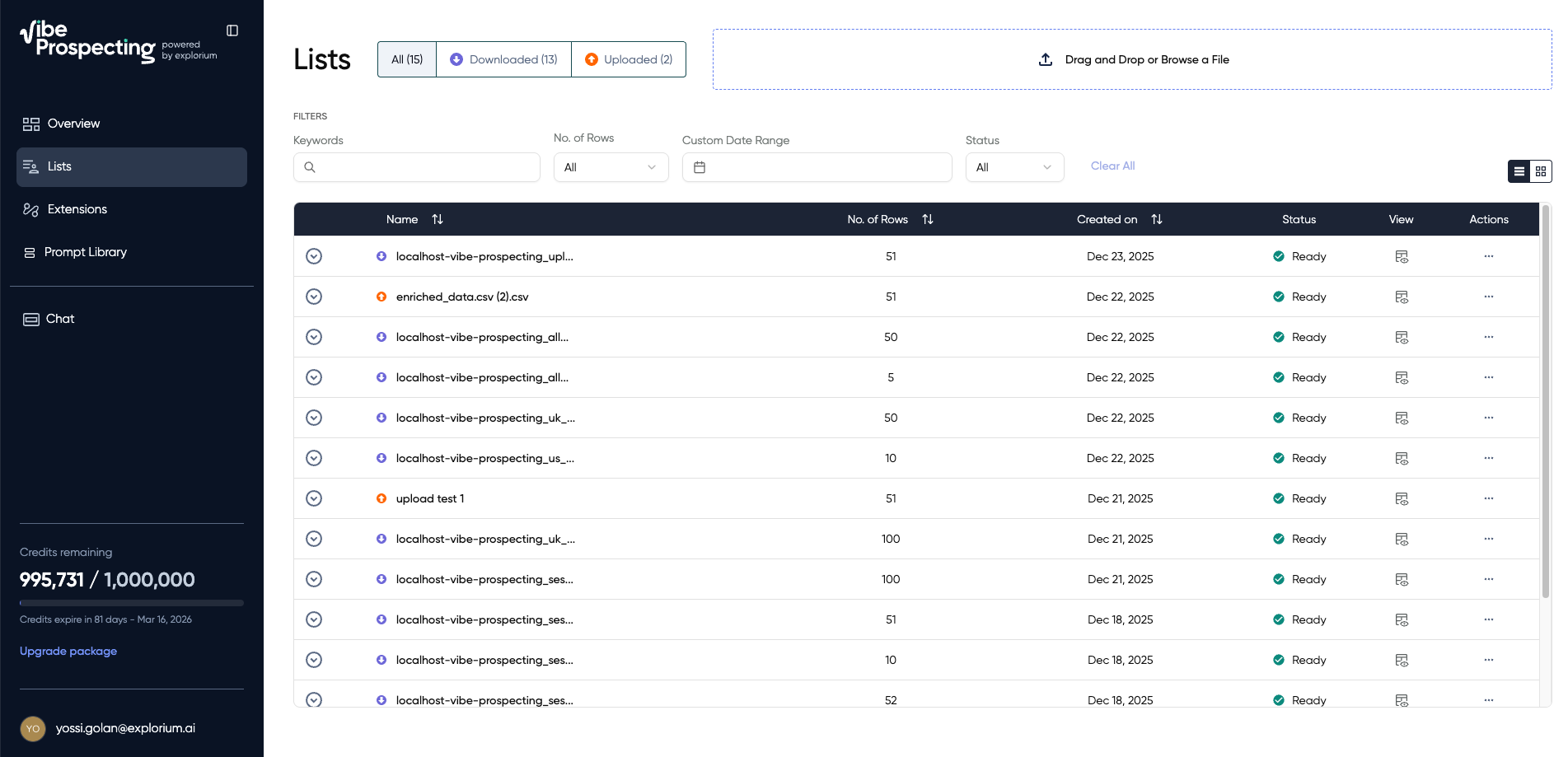 The Hub is your central workspace for managing all prospecting data.
Managing Exported Datasets
View Your Datasets All exported data appears in the Hub with:- Dataset name (auto-generated based on search)
- Entity count
- Export date
- Credit cost
- Status (running, ready, failed)
- Search your Hub for matching datasets
- Show available options if multiple matches
- Load the data into your current session
- Allow you to enrich, filter, or export again
Excluding Entities
Automatic Exclusion Every export automatically adds entities to your exclusion list, preventing duplicates in future searches. Manual ExclusionUploading CSV Files
Use Cases for CSV Upload:- Enrich your existing data: Upload company names/domains to get firmographics, tech stack, contacts
- Find contacts at your accounts: Upload customer list to find decision-makers
- Clean and standardize data: Upload messy data to get standardized Explorium IDs and enriched fields
 Step 1: Prepare Your CSV
Your CSV should contain at least one of these fields:
For businesses:
Step 1: Prepare Your CSV
Your CSV should contain at least one of these fields:
For businesses:
- Map your CSV columns to Explorium fields
- Click “Lists” in the Hub
- Drag and drop your file or click to browse
- Review mapping and confirm upload